Understanding TradingView: Key Features and Benefits
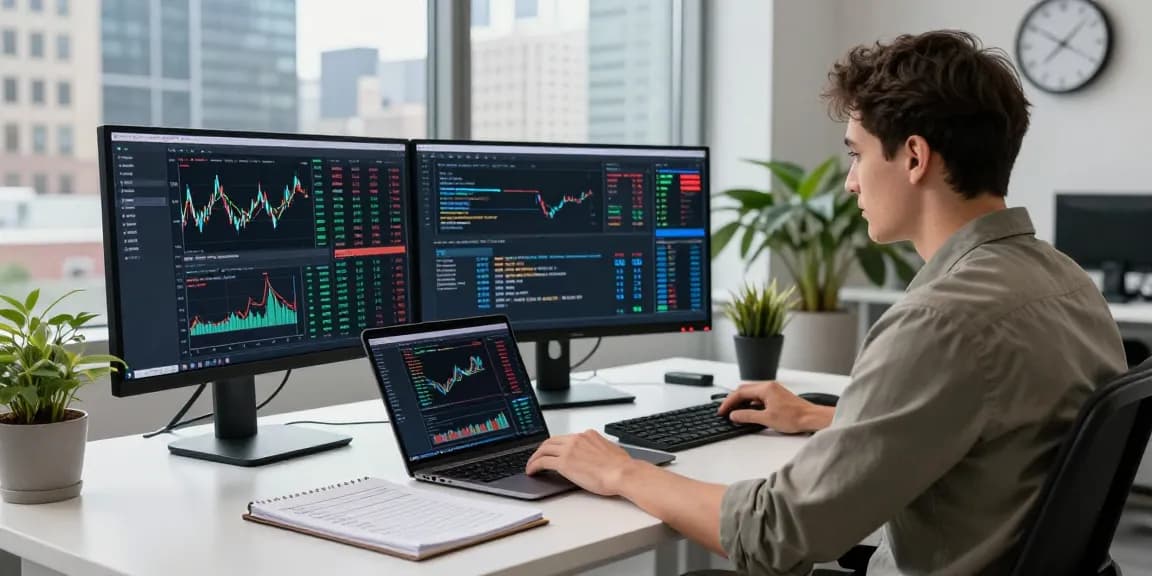
TradingView is a powerful platform widely recognized for its comprehensive financial market analysis tools, enabling traders and investors to make informed decisions. With an expansive array of features, it caters to a global audience by offering real-time data, multi-market insights, and advanced charting capabilities. One of the standout aspects of TradingView is its user-friendly interface, designed to accommodate both novice and professional traders. As you explore options, TradingView provides comprehensive insights to enhance your trading strategies and facilitate effective market tracking.
What is TradingView?
TradingView is an online platform that provides market insights across various asset classes, including stocks, currencies, cryptocurrencies, and commodities. Launched to bridge the gap between technical analysis and user accessibility, it offers a visually appealing interface equipped with interactive charts, a vast range of indicators, and analytical tools. Beyond merely a trading terminal, TradingView functions as a social network for traders, fostering community engagement and knowledge sharing.
Main Features of TradingView
TradingView encompasses several powerful features, including:
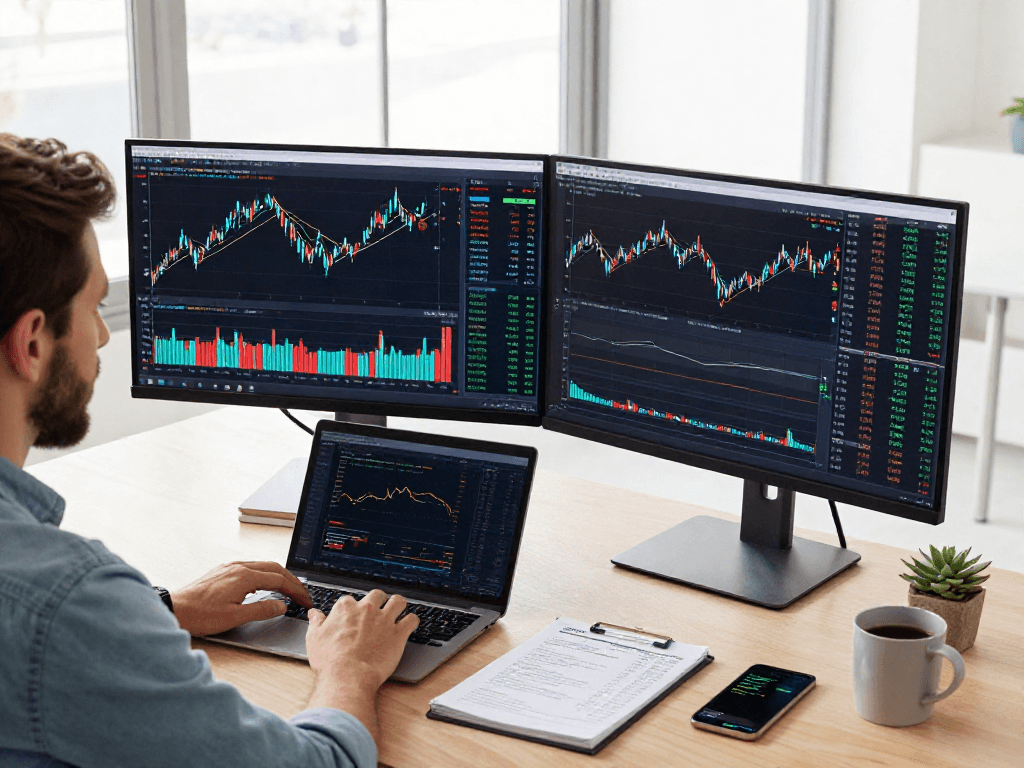
- Advanced Charting Tools: Users can access a range of chart types, including candlestick, line, and bar charts. These are highly customizable, allowing traders to apply various technical indicators and overlays to visualize market movements effectively.
- Real-Time Market Data: The platform provides up-to-the-minute data on price movements, ensuring users can respond quickly to market changes.
- Custom Alerts and Notifications: Users can set up alerts to notify them of price movements or technical conditions, enabling proactive trading strategies.
- Screener Tools: A powerful market screener allows users to filter through numerous assets based on specific criteria, enhancing the trading process significantly.
- Community Engagement: Traders can share ideas, scripts, and strategies, fostering a collaborative environment for learning and growth.
Benefits of Using TradingView for Market Analysis
The benefits of utilizing TradingView for market analysis are substantial. With its extensive tools, traders can:
- Enhance Decision-Making: By employing data-driven insights and powerful analysis tools, users can make more informed trading decisions.
- Reduce Time Spent Monitoring Markets: The alert system helps traders minimize time spent watching charts while still staying informed.
- Access Multi-Device Functionality: TradingView works seamlessly across desktop and mobile devices, allowing users to stay connected to the markets no matter where they are.
Navigating TradingView’s Charting Tools Effectively
Understanding how to navigate TradingView’s charting tools is essential for maximizing its potential. The platform empowers users to analyze various financial instruments through impressive charting capabilities.
Overview of Chart Types and Customization
TradingView supports multiple chart types, catering to different analytical preferences. Users can choose from:
- Candlestick Charts: Ideal for observing price movement over time, providing insights into market sentiment.
- Line Charts: Useful for tracking performance over a specific period, summarizing data points in a visually appealing manner.
- Bar Charts: Offering a detailed view of price fluctuations within specified timeframes.
Customization options allow users to adjust colors, add indicators, and overlay graphics, thereby tailoring the charts to their individual preferences.
Using Indicators and Overlays in TradingView
Another key feature of TradingView is its vast library of technical indicators, which can be effortlessly integrated into charts. Popular indicators include Moving Averages, Bollinger Bands, and Relative Strength Index (RSI). By overlaying these tools, traders can identify trends, potential reversals, and entry/exit points, enhancing their analytical capabilities.
Timeframe Selection and Multiple Views
Timeframe flexibility is crucial in trading. TradingView allows users to analyze assets over various periods, from one minute to monthly charts. This feature enables traders to switch views easily, accommodating short-term and long-term strategies without losing continuity in their analysis.
Utilizing Alerts and Notifications for Smarter Trading
Effective trading requires timely decisions, and TradingView’s alert and notification functionalities support this need by automating critical updates.
Setting Up Price Alerts in TradingView
One of the standout features is the ability to set price alerts. Users can define specific price points, and TradingView will automatically notify them when these levels are reached. This is particularly useful for traders who may not have the capacity to monitor the markets continuously.
Understanding Technical Alerts and Custom Reminders
In addition to price alerts, traders can establish technical alerts based on indicators or patterns. This function allows users to stay informed of significant changes, tailored to their unique trading strategies.
How to Manage Alerts Across Devices
TradingView ensures that alerts are synchronized across devices. Whether using a desktop or mobile application, users receive consistent notifications, making it easy to stay connected and responsive to market movements.
Maximizing TradingView’s Community and Resources
TradingView thrives on its community aspect, which significantly enhances the user experience.
Engaging with the TradingView Community
The platform hosts a vibrant community of traders who regularly share insights, strategies, and market analyses. Engaging with this community can help users broaden their knowledge and refine their trading techniques through shared experiences.
Accessing Scripts and Strategies from Other Traders
TradingView also allows users to access scripts created by other traders, which can provide unique insights and trading methodologies. This feature enriches the platform's functionality, enabling traders to experiment with different approaches without starting from scratch.
Utilizing Educational Resources for Skill Building
In addition to user-generated content, TradingView offers a wealth of educational resources, including webinars, tutorials, and articles aimed at helping users enhance their trading knowledge and skills.
Advanced Trading Techniques with TradingView in 2026
As the trading landscape evolves, so do the strategies employed by traders. Leveraging TradingView's tools effectively can help users stay ahead of industry trends.
Leveraging Market Screener Tools
TradingView's market screener tools allow users to filter through thousands of assets based on specific trading criteria, such as price performance, volume, and technical indicators. This feature enhances the decision-making process, allowing traders to find opportunities that fit their strategies quickly.
Integrating TradingView with Other Trading Platforms
Recognizing the importance of integration, TradingView allows users to connect their accounts with various trading platforms. This capability enables seamless trading experiences and ensures that users can execute strategies effectively.
Future Trends in Trading and Technology Through TradingView
As technology continues to advance, TradingView remains at the forefront of integrating innovative features that align with future trading trends. Enhancements in artificial intelligence and machine learning are setting the stage for smarter trading strategies that can adapt to market conditions in real time.
What are the top TradingView integrations for professional traders?
Professional traders often utilize integrations with brokerage firms to facilitate direct trading from the TradingView platform. These integrations streamline the trading process, enhancing efficiency and providing traders with robust analytical tools in one convenient location.
How does TradingView support mobile trading experiences?
With the rise of mobile trading, TradingView has developed a mobile application that mirrors its desktop functionalities. This allows traders to analyze markets, set alerts, and execute trades directly from their smartphones, enabling on-the-go trading solutions.
What are the differences between free and paid TradingView subscriptions?
TradingView offers a tiered subscription model, with a free plan that provides basic functionalities and access to numerous features. Paid subscriptions unlock advanced tools, such as additional chart layouts, more alert settings, and priority support, catering to users with varying needs and trading styles.
Who can benefit from using TradingView for trading?
TradingView's platform is designed for all levels of traders. From beginners looking to grasp the fundamentals to seasoned professionals seeking advanced analytical tools, the flexibility and depth of TradingView cater to a diverse user base.
How to transition from a beginner to an advanced user in TradingView?
To transition from beginner to advanced user within TradingView, one should engage with the community, utilize educational resources, and practice using the various tools and features available on the platform. Gradually building expertise through experimentation is key to becoming proficient.